If you are comparing Salesforce contract management solutions in 2025 or 2026, the shortlist should usually start with Salesforce Contracts, Docusign CLM, Conga, Ironclad, Agiloft, Icertis, and Juro. They solve different versions of the same problem: keep contract work close to Salesforce without turning legal review, approvals, metadata, and renewals into spreadsheet cleanup later.
The real decision is not "which CLM has the most features?" It is "how much of the contract lifecycle should live natively in Salesforce, and when do we need a dedicated contract system with a better legal and post-signature operating model?"
Short answer
For teams that want the most Salesforce-native path, start with Salesforce Contracts. For revenue teams already deep in the Docusign ecosystem, Docusign CLM for Salesforce is an obvious comparison. For heavier AppExchange and revenue-lifecycle alignment, compare Conga. For modern legal-plus-sales workflow design, compare Ironclad and Juro. For complex enterprise governance and configurability, compare Agiloft and Icertis.
The practical rule is simple: if your main pain is getting contracts launched, negotiated, and signed from opportunities, prioritize in-CRM workflow speed. If your bigger pain is clause governance, repository quality, obligations, renewals, and cross-functional controls, a dedicated CLM usually beats trying to stretch Salesforce into being your whole contract operating system.
This guide pairs well with our broader Best Contract Management Software 2026, the usability-focused Best Contract Management Software with Great Usability, and the workflow-readiness lens in the AI Automation Readiness Scorecard for Mid-Market Teams.
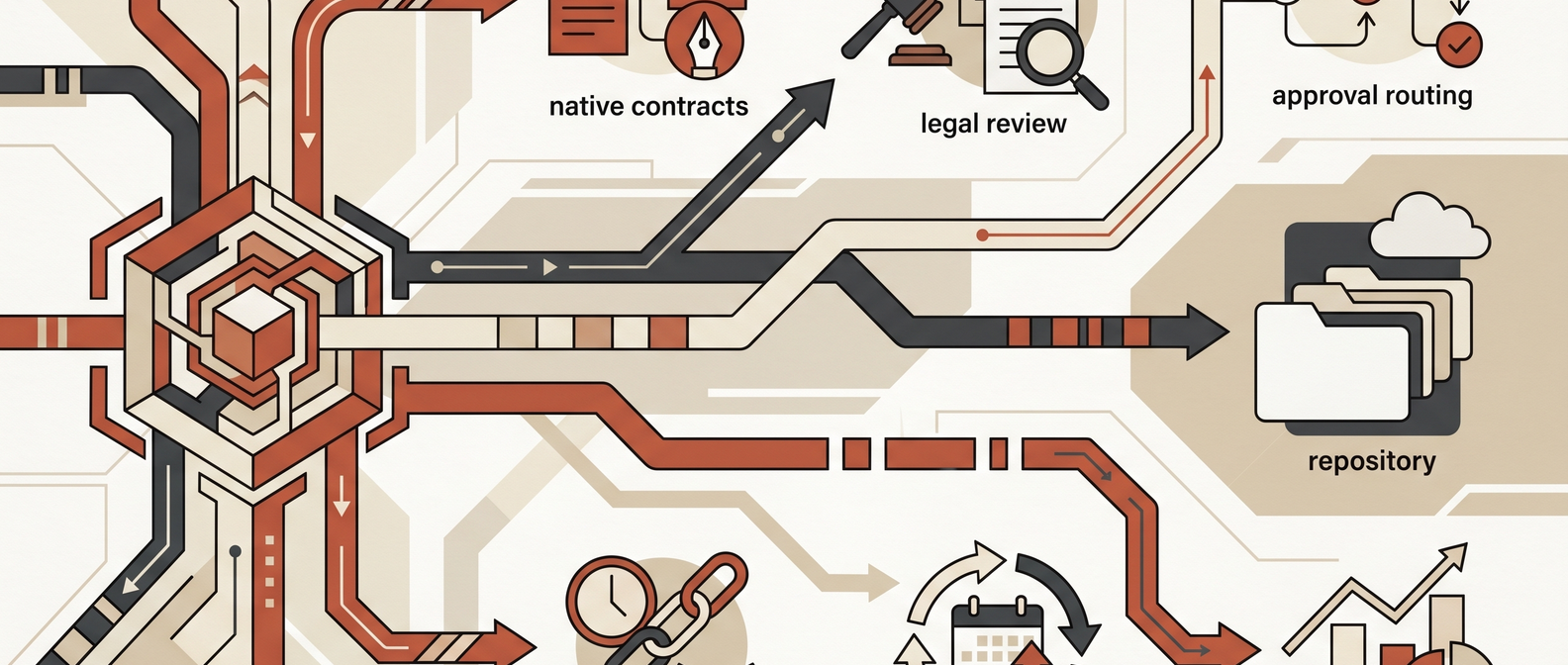
Salesforce CLM comparison table
| Solution | Best fit | Salesforce model | Why it makes the shortlist | Watch out for |
|---|---|---|---|---|
| Salesforce Contracts | Teams wanting a native Salesforce starting point | Native Salesforce product within Revenue Management / Revenue Cloud motion | Contract authoring, repository, redlining and e-sign integrations, obligation management, analytics, APIs, and contract actions inside Salesforce | Prerequisite products, Salesforce admin lift, and a lighter legal-ops ecosystem than dedicated CLM leaders |
| Docusign CLM for Salesforce | Revenue teams already standardized on Docusign | AppExchange app plus Docusign eSignature alignment | Template-driven generation, redlining, fallback clauses, no-code workflows, repository/search, strong seller familiarity | Can become a bigger Docusign platform decision, not just a contract workflow decision |
| Conga CLM | Salesforce-heavy orgs that want broader revenue-lifecycle tooling | Deep AppExchange heritage and Salesforce partnership | Strong Salesforce roots, document generation, CLM, AI positioning, and adjacent CPQ / revenue workflows | Product surface area can sprawl; validate implementation scope and post-signature ownership early |
| Ironclad | Legal and sales teams that want a polished dedicated CLM with strong Salesforce connectivity | Dedicated CLM with AppExchange package and Salesforce sync | Good fit for workflow adoption, multi-org Salesforce support, repository visibility, and modern collaboration | Still a separate system of record; integration design and field governance matter |
| Agiloft | Enterprises with complex approval rules and custom processes | Dedicated CLM with Salesforce integration and AppExchange listing | No-code configurability, one-click creation from Salesforce, broad integration story, strong for complex workflows | Higher implementation and admin overhead; easier to overbuild than mid-market teams expect |
| Icertis | Large enterprises needing contract intelligence and governance at scale | Dedicated enterprise CLM integrated with Salesforce | Strong enterprise posture for contract intelligence, compliance, and sales-contract visibility from CRM | Heavyweight for smaller teams; budget, rollout complexity, and change management are real |
| Juro | Mid-market sales-led teams wanting fast self-serve contracting from CRM | Dedicated CLM with Salesforce iFrame and live two-way sync | Fast contract creation from Salesforce, legal-owned templates, good fit for business-user adoption | Enterprise plan requirement for Salesforce integration and lighter enterprise-governance posture than heavier CLMs |
What Salesforce-native really gets you
Salesforce Contracts is no longer just a placeholder "contract object" story. Salesforce’s current product and Trailhead materials position it as a real contract workflow layer with:
- document template design and clause libraries;
- contract creation from opportunities, orders, quotes, standard objects, or custom objects;
- version management and lifecycle actions;
- analytics and a Contracts Console app;
- obligation management; and
- DocuSign integration for e-signature flow.
Salesforce also publicly lists Salesforce Contracts at $50 per user per month billed annually, with a note that prerequisite products apply. That matters because native is only cheaper or simpler if your team is already bought into the surrounding Salesforce stack.
Native Salesforce is strongest when:
- sales ops wants contracts tightly connected to quote-to-cash objects;
- the business wants fewer systems and fewer sync points;
- your admins are already comfortable owning Salesforce configuration; and
- legal complexity is meaningful but not so specialized that you need a best-of-breed CLM operating model.
Native Salesforce is weaker when:
- negotiation happens outside CRM in Word, email, and external counterparties' workflows;
- legal needs richer playbooks, redline control, or dedicated repository UX;
- procurement and vendor contracts matter as much as sell-side contracts; or
- post-signature obligations and cross-system reporting are the real problem.
Where the dedicated CLM tools win
Dedicated CLM platforms usually beat native Salesforce on one of four dimensions:
- Legal workflow depth: clause governance, fallback language, approval nuance, negotiation controls, and repository search.
- Cross-functional scale: support for legal, procurement, finance, operations, and vendor workflows, not just sales agreements.
- Post-signature visibility: obligations, renewal ownership, metadata quality, and downstream operational reporting.
- Business-user experience: better request flows and collaboration models for people who do not live inside Salesforce all day.
That is why the right comparison is not Salesforce Contracts versus "all CLM." It is usually:
- Salesforce Contracts vs Docusign CLM if you want strong CRM alignment and mainstream seller adoption.
- Salesforce Contracts vs Conga if revenue operations already touches Salesforce CPQ, document generation, or Conga tooling.
- Salesforce Contracts vs Ironclad or Juro if the goal is smoother legal-sales collaboration without making reps learn a painful system.
- Salesforce Contracts vs Agiloft or Icertis if governance, configurability, or enterprise complexity dominate.
Vendor-by-vendor take
Salesforce Contracts
Best for teams that want contract management to stay close to the CRM and revenue workflow. Salesforce’s own documentation highlights template-based document generation, clause libraries, Office 365 editing, contract APIs, state models, analytics, and obligation management.
The tradeoff is familiar: native power comes with Salesforce setup work. If your contract process already needs custom objects, approval logic, document generation rules, and downstream billing or renewal alignment, that can be a feature. If not, it can become a lot of platform to maintain.
Docusign CLM for Salesforce
Docusign positions CLM for Salesforce around a practical in-CRM workflow: generate agreements from Salesforce data, redline with version control, manage fallback clauses, build workflows with clicks not code, and store/search agreements in a central repository. Its AppExchange listing also shows notable marketplace maturity and a public starting price.
This is usually strongest when Docusign is already trusted for signature and seller workflow. It is less attractive when the team is trying to avoid a broader Docusign stack decision.
Conga
Conga still matters in Salesforce-heavy environments because it has deep AppExchange roots and a wide revenue-operations footprint. Its Salesforce-facing materials lean on document generation, CLM, AI positioning, and the broader ability to embed Conga tooling directly with Salesforce. Conga’s own site also emphasizes that it was born on AppExchange in 2006.
The risk with Conga is not lack of capability. It is scope. Buyers should separate "we need better contract management" from "we may also be buying a wider revenue-lifecycle platform."
Ironclad
Ironclad is a strong option when the organization wants a dedicated CLM with modern workflow design but still needs Salesforce to feel first-class. Ironclad publicly highlights Salesforce integration, and its 2024 integration update specifically called out multi-org support and two-way sync for in-flight workflows.
That matters for larger GTM orgs with multiple Salesforce instances or acquired business units. The main tradeoff is governance discipline: if mapped fields, ownership, and workflow triggers are messy, "seamless sync" becomes duplicated confusion faster than most teams expect.
Agiloft
Agiloft is the "we have a real process, and it is messy" option. Its AppExchange positioning emphasizes one-click contract creation from Salesforce, automated approvals, sync between systems, and deep configurability. Agiloft’s broader integration materials also stress no-code integration patterns across large enterprise stacks.
This is often a better fit for procurement-heavy or enterprise governance use cases than for a fast-moving mid-market sales team. It can absolutely work, but only if someone owns the process design and administration.
Icertis
Icertis is built for enterprise contract intelligence, not just document throughput. Its Salesforce integration pages focus on letting sales teams initiate and manage contracts within Salesforce while preserving compliance, standardization, and visibility from the CLM side.
Use Icertis when contracts are strategic records tied to enterprise policy, global entities, compliance, and broader contracting intelligence. Do not choose it because you simply want order forms out faster next quarter.
Juro
Juro’s Salesforce integration is straightforward and opinionated: an iFrame inside Salesforce, live two-way sync, and legal-owned templates that let sales create contracts without leaving CRM. That makes it a strong fit for teams that want business-user adoption and self-serve contract generation more than heavyweight enterprise configuration.
The tradeoff is that Juro is usually a better fit for fast-moving commercial teams than for the most complex enterprise governance environments. That is not a weakness if it matches the actual workflow.
Decision framework: what to test in every demo
Run the same workflow through every shortlisted tool:
- Launch a contract from a Salesforce opportunity with account, pricing, region, and term data prefilled.
- Apply template logic and clause logic based on deal attributes.
- Route a non-standard term to legal and finance for approval.
- Negotiate redlines with version clarity.
- Sign the agreement.
- Push status, key fields, and the executed agreement back where the business expects it.
- Extract and verify metadata.
- Assign renewal and obligation ownership.
- Report on cycle time, deviation rate, and upcoming renewals.
- Change one template or rule and measure the admin effort required.
This final step is where many evaluations get honest. Demo polish is cheap. Ongoing administration is not.
Red Brick Labs POV
Most Salesforce contract-management problems are not really software problems. They are workflow-boundary problems.
Teams get in trouble when:
- sales wants everything inside Salesforce;
- legal wants control over templates, clauses, and approvals;
- finance wants commercial terms to stay clean for billing and renewals;
- no one owns post-signature metadata quality; and
- the integration design gets treated as an implementation detail instead of the operating model.
Red Brick Labs would start with a short workflow audit before recommending a platform. We would map:
- which contract types should start from Salesforce;
- which fields are authoritative in CRM versus CLM;
- approval logic by amount, geography, data terms, and non-standard language;
- where signed agreements and metadata should live;
- how renewals and obligations turn into assigned work; and
- where AI-assisted extraction or review can safely help.
If your broader automation stack also includes document extraction, intake, or downstream operational workflows, pair this article with Accounts Payable OCR Software, Unlocking ROI with Business Process Automation Solutions, and the Automation Pilot Intake Template for Operations Teams. The categories differ, but the operating discipline is the same.
Audit your Salesforce contract workflow: Red Brick Labs can map your Salesforce-to-contract workflow, approval logic, metadata model, and integration gaps before you commit to a CLM rollout.
Sources and research notes
Capabilities, pricing, release cadence, and AppExchange details change. Validate current packaging, pricing, security, and implementation scope directly with the vendor before purchase.
Primary sources reviewed:
- Salesforce Contracts pricing
- Salesforce Trailhead: contract capabilities
- Salesforce: what is contract lifecycle management
- Docusign CLM for Salesforce
- Docusign CLM AppExchange listing
- Conga Salesforce page
- Conga CLM AppExchange listing
- Ironclad Salesforce integration update
- Ironclad product overview
- Ironclad AppExchange listing
- Agiloft Integration Hub
- Agiloft AppExchange listing
- Icertis Salesforce integration
- Icertis platform integrations
- Juro Salesforce integration
- Juro CRM and CLM integration guide
Specific source notes used in this article:
- Salesforce publicly lists Salesforce Contracts at $50/user/month billed annually, while noting prerequisite products apply.
- Salesforce Trailhead describes native capabilities including template design, clause library, Office 365 editing, APIs, analytics, obligation management, and DocuSign integration.
- Docusign’s Salesforce integration page highlights template-driven generation, redlining, fallback clauses, repository/search, and no-code workflows.
- Ironclad’s Salesforce materials emphasize a managed package / AppExchange presence, with multi-org support and two-way sync called out in the 2024 integration update.
- Juro’s Salesforce page emphasizes in-CRM contract creation through an iFrame model and live two-way sync.
- Agiloft and Icertis both position Salesforce as a launch and visibility layer while the dedicated CLM owns broader contracting logic and governance.
FAQ
What is the best contract management solution for Salesforce?
For the most Salesforce-native route, start with Salesforce Contracts. For deeper CLM with strong Salesforce alignment, compare Docusign CLM, Conga, Ironclad, Agiloft, Icertis, and Juro based on whether your priority is seller speed, legal control, or post-signature governance.
Should we use Salesforce Contracts or a dedicated CLM?
Use Salesforce Contracts when CRM adjacency and native workflow matter most. Use a dedicated CLM when legal workflow depth, repository quality, procurement coverage, obligations, or cross-functional governance are the bigger problem.
What matters most in a Salesforce CLM evaluation?
Look at launch-from-opportunity flow, field sync, template governance, approval logic, redlining, repository/search, obligation ownership, renewal workflow, and admin burden. The integration model matters as much as the UI.
Is AppExchange presence enough to prove a tool is the right fit?
No. AppExchange presence proves there is a Salesforce story. It does not prove the workflow fits your contract types, legal review process, metadata model, or operating cadence. Test the real process, not the listing badge.